1500+
Children
50+
Educators
5
Schools
Keeping track of your online activity is a cornerstone of responsible gaming. For players at Trixino casino, the login history feature is a powerful tool for monitoring account access and ensuring its security. This guide provides a practical, step-by-step walkthrough on how to access and interpret your session history, helping you spot any irregularities and maintain control over your account.
Regularly reviewing your past sessions is not just a good habit; it’s a critical security practice. It allows you to verify that every access to your account was authorized by you. If you notice a login from an unfamiliar location, device, or at a time you know you weren’t playing, it could be the first sign of unauthorized access. Promptly identifying this allows you to change your password and contact Trixino support to secure your account, protecting your personal information and any funds, including those from a Trixino bonus.

Finding your login history within your Trixino account is a straightforward process. Follow these steps to review your past sessions:
The list will typically be presented in a table format, showing key details for each session.
https://www.youtube.com/watch?v=LUzL69Zy0ac
Your login history table provides specific data points for each session. Understanding what each column means is key to interpreting the information correctly. Here’s a breakdown of the common data you will encounter:
| Data Point | Description | What to Look For |
|---|---|---|
| Date & Time | The exact timestamp of the login attempt (usually in UTC). | Check for sessions at times you were asleep or otherwise occupied. |
| IP Address | The unique numerical label assigned to the device used to connect. | Note your usual IP (from home/work) and flag any unknown ones. |
| Location | The approximate geographic location derived from the IP address. | Be wary of logins from cities or countries you have never visited. |
| Device & Browser | Information on the type of device (e.g., Android, iPhone, Windows PC) and browser (e.g., Chrome, Safari) used. | Confirm the sessions match the devices you own and use. |
| Status | Indicates whether the login was successful or failed. | Multiple failed attempts could indicate a brute-force attack on your account. |
You might encounter some confusing entries when reviewing your log. A login from a different city than your own isn’t always a cause for alarm. If you use a mobile data network, your IP address can sometimes be routed through a major hub in another location. Similarly, if you use a VPN (Virtual Private Network) for privacy, it will show the location of the VPN server. If you are certain a login is fraudulent, immediately change your password to a strong, unique one and enable two-factor authentication (2FA) if Trixino offers it. Then, contact customer support directly to report the incident.
Your login history can also be useful for tracking promotional eligibility. Some offers, like a Trixino no deposit offer or Trixino free spins, may be credited upon login. If you were expecting a promotion but didn’t receive it, your session history can serve as proof that you logged in during the promotion’s valid period. Furthermore, ensuring you enter the correct Trixino promo code is crucial, but verifying your login time can help support resolve any issues if the code doesn’t seem to work. For any concerns, the best course of action is to visit the official Trixino website and use their secure contact methods.
Beyond reactive checking, you should take proactive steps to secure your account. First, create a password that is long, complex, and unique to your trixino account—never reuse passwords from other sites. Secondly, if available, enable two-factor authentication. This adds an extra layer of security by requiring a code from your phone in addition to your password when logging in from a new device. Finally, make a habit of reviewing your login history every few weeks. This consistent vigilance is your best defense against potential security breaches and ensures a safe and enjoyable gaming experience.
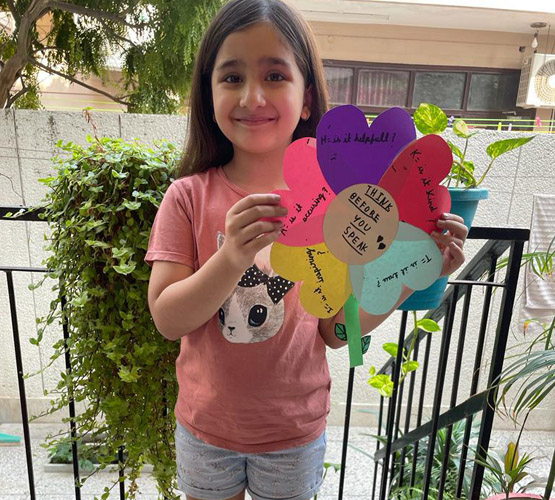

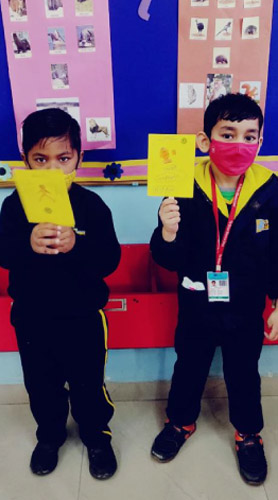
Children have now started looking forward to the sessions; and have become more mindful while listening to the stories.
Rohini Majithia, TSMS, Faridabad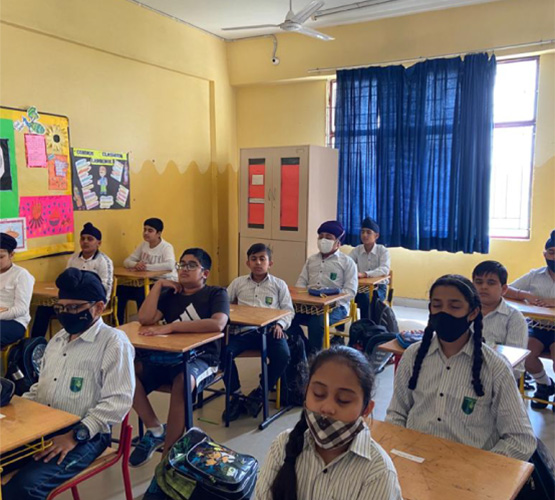

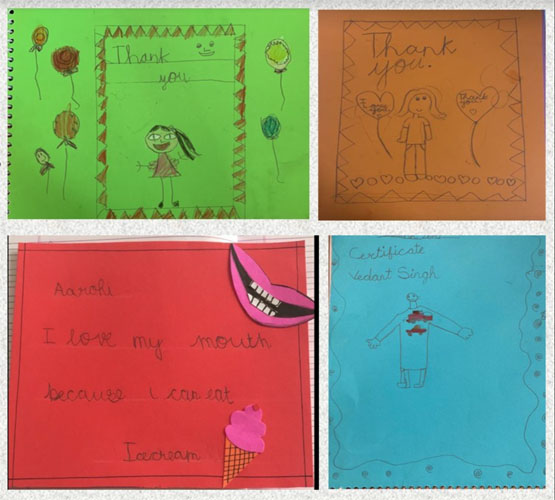


Parents are all very thankful that such a programme has been introduced at such an early stage of their child’s life.
Anuradha Gupta, TSMS, Gurgaon



Interested in our School of Joy programme in your school?
Explore School of JoyAre you looking to become a life coach for children?
Become a Little Light CoachWith our programs launched in 2021, we have reached out to
Children
Educators
Schools






Sonali Gupta | Principal, The Shriram Millennium School, Faridabad


We wish to take the Little Light offerings to as many students, educators and schools out there. If you’d like to help us bring joy to the lives of children, there are many ways to help!
I want to support Little Light!PLOT NO. 3A, C-SCHEME, JAMNA LAL BAJAJ MARG, Jaipur, India: 302001
littlelight@littlelight.in
+91-9619-177-770
Little Light Copyright 2023 2026